
Getting started
Install Ideaz AI in Chrome, open WhatsApp Web, and meet the dock.
Ideaz AI is a Chrome extension that adds a CRM, kanban pipeline, bulk sender, scheduler, and AI assistant directly into WhatsApp Web. This page walks you through installing it and finding your way around the UI.
What you need
- Google Chrome 110+ (or any Chromium browser — Edge, Brave, Arc)
- A WhatsApp account already logged in at web.whatsapp.com
That's it. No account on Ideaz AI, no API keys, no team setup.
Install
- Open the Ideaz AI listing on the Chrome Web Store.
- Click Add to Chrome.
- Confirm the permissions — Ideaz AI only requests access to
web.whatsapp.comandchrome.storagefor local data.
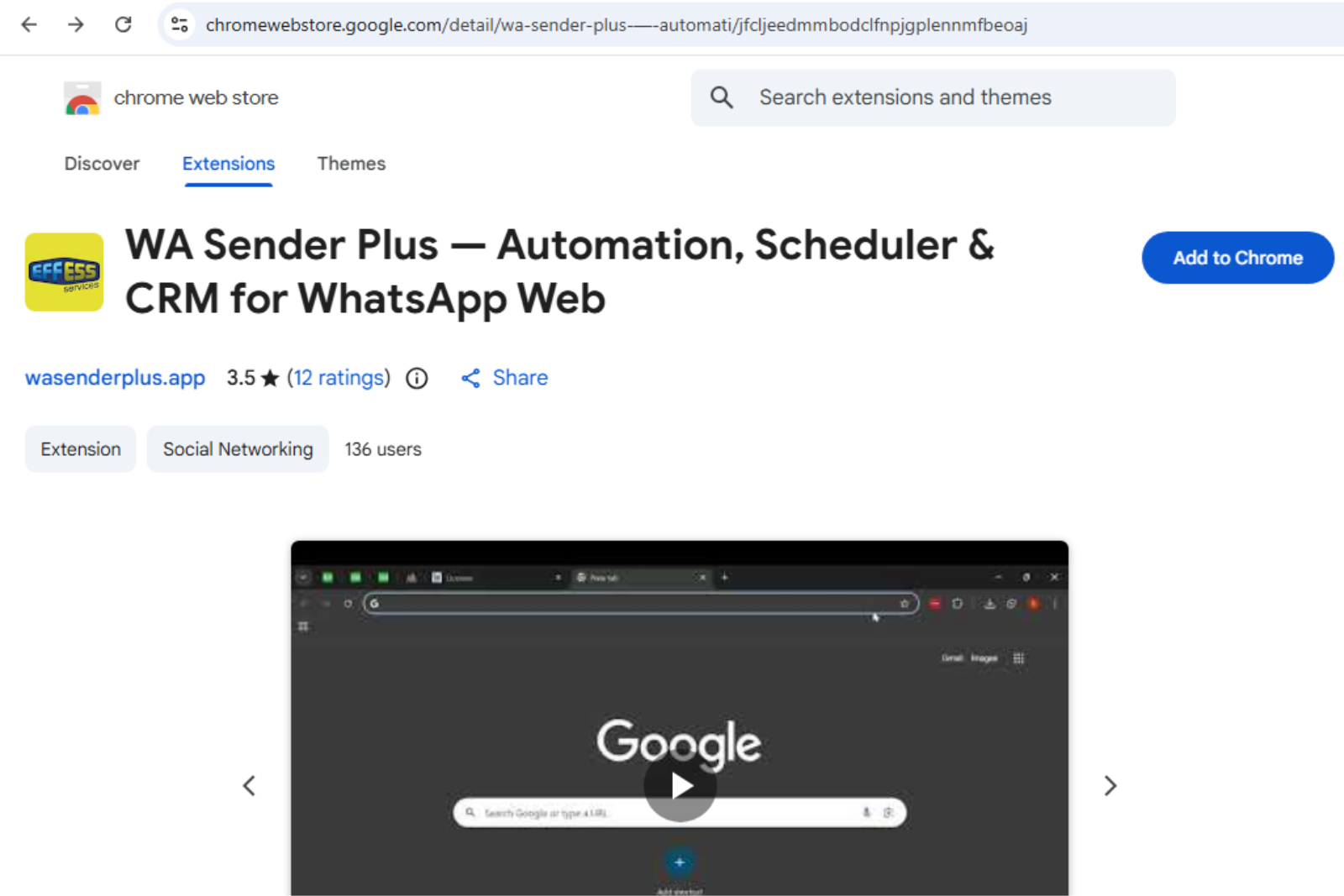 Ideaz AI on the Chrome Web Store
Open WhatsApp Web
Navigate to web.whatsapp.com. Once you're logged in, the Ideaz AI dock appears — a floating, draggable bar of icons. Drag it anywhere on the screen, double-click the grip dots to snap it back, and it quietly tucks away when you're idle. The Ready pill on the right shows the live WhatsApp connection status.
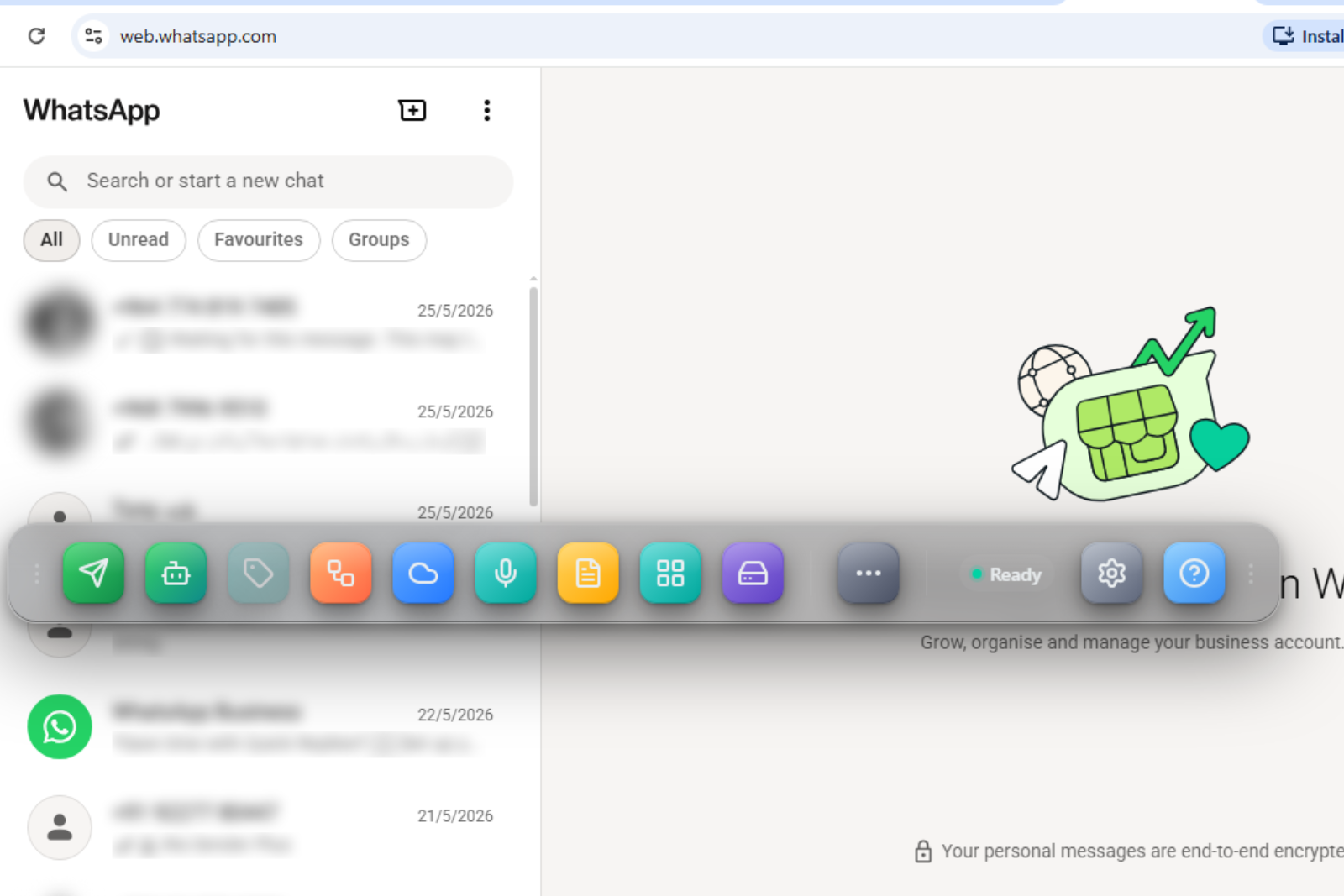 The Ideaz AI dock open in WhatsApp Web
The dock, icon by icon
Every icon opens its own self-contained tool. Reading the dock left to right:
| Icon | Tool | What it does |
|---|---|---|
| Bulk Sender | Compose a campaign and send it to many numbers with safe pacing, a live queue, pause/resume, and per-recipient delivery status. | |
| Agentic | Your AI agent workspace, with tabs for Agents (the FAQ → flow → AI → human escalation ladder), Team (seats), Knowledge (FAQ + auto-answer rules), Flows (decision-tree builder), and Insights (deflection analytics). | |
| Tag Management | Create colour-coded tags, apply them to chats, filter the chat list by tag, and bulk-tag many chats at once. | |
| Integrations | Connect HubSpot, Salesforce, Google, and Zapier — plus your own API access + inbound webhooks. | |
| Cloud Inbox | Bring a second number's official WhatsApp Cloud API conversations into one inbox and reply without switching tabs. | |
| Voice | Dictate messages and run voice commands like "send to …" — hands-free. | |
| Templates | Save reusable messages with {variables}; trigger any template by typing \ in the WhatsApp composer. | |
| Kanban | Opens the full-screen drag-and-drop deal pipeline in its own browser tab. | |
| Backup | Export or restore all your local data. Stays available even when WhatsApp is disconnected. |
To the right of the divider sit three more controls:
More (⋯)
- Validator — bulk-check which numbers are actually on WhatsApp before you send.
- Tools — QR-code, sticker maker, click-to-chat link, and chat-button generators.
- Status Saver — save status photos and videos.
Settings (gear)
- All Settings — sending pace, anti-block caps, theme, density, and privacy blur.
- AI Assistant — bring-your-own-key AI for translate, smart reply, and summarise.
- Reports — analytics: sends by day, top chats, deliverability.
- Voice & Dictation — language and confirmation preferences.
- Dark mode — theme toggle.
Help (?)
Opens the Help & Support center — file a bug report or support request (it reaches us on WhatsApp instantly) and jump straight to these docs.
Try it: send a personalised message
- Click the Bulk Sender icon (paper plane) → New campaign.
- Paste 2-3 phone numbers (international format).
- Write your message. Use
{name}to personalise it. - Pick Safe pace (5-15s delays, 80/hour cap).
- Hit Send now.
You'll see a live queue ticking through each recipient with their delivery status.
Next steps
- Set up Tag Management — tag, group, and filter your chats.
- Build a kanban pipeline to track deals.
- Learn the anti-blocking strategy before any large campaign.
- Hook up auto-reply rules for after-hours.